
4 Sept 2026
LLMs invent MeSH and Emtree — look headings up
Use language models for synonyms and field‑tag drafts. Never invent MeSH or Emtree headings — look them up first, then approve.
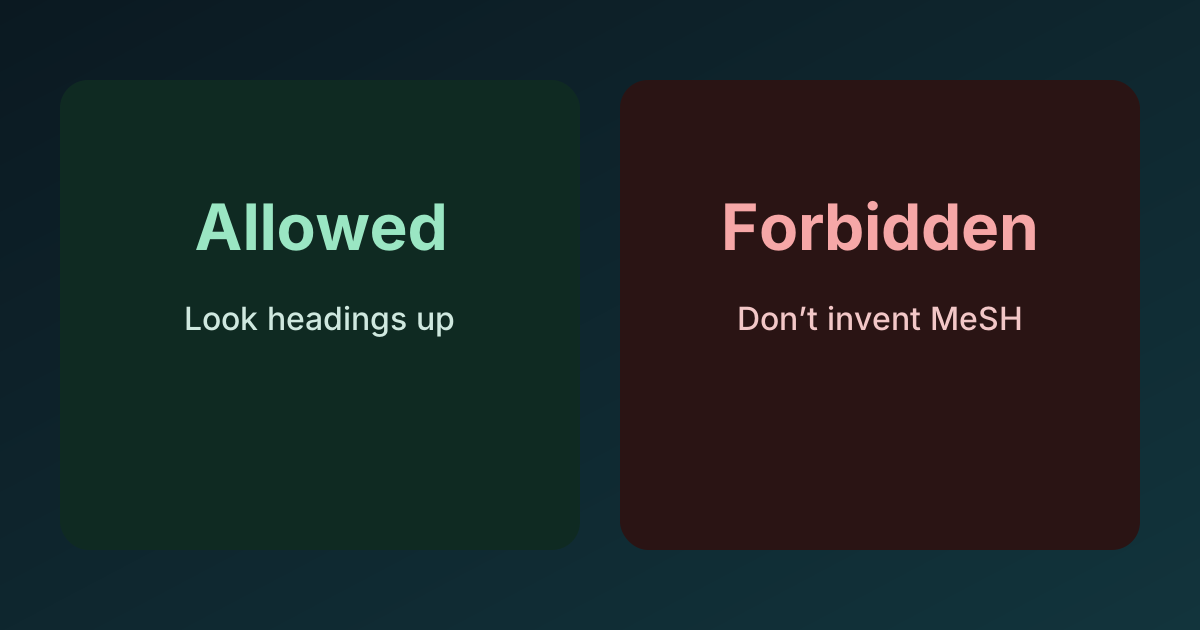
Language models are handy for two things when you are assembling a biomedical search: brainstorming synonyms and drafting field-tag conversions. They are not reliable at producing controlled vocabulary. Models confidently invent MeSH and Emtree headings that do not exist. The same failure mode shows up across providers.
What I keep seeing
Ask a model to “add MeSH headings” and it will often return plausible-looking tokens that are not in MeSH at all, or it will pluralise or special-case a real heading into something invalid. The same pattern appears with Emtree.
- MeSH is a curated thesaurus; entries are exact and discoverable in the MeSH Browser.
- Emtree is the Elsevier thesaurus; entries are exact and discoverable in Embase/Emtree documentation.
A concrete bad example models still produce:
Children[Mesh] — not a MeSH heading. Look it up. You will find valid headings such as Child and Adolescent, with qualifiers, trees, and entry terms. The model guessed; the thesaurus did not.
Free-text and controlled vocabulary play different roles. Use that distinction to police what the model gives you.
Allowed
- Ask for synonym suggestions to widen free-text terms.
- Ask for a plain-English-to-database field-tag draft (for example, turn “title/abstract only” into
ti,ab/TI,AB/TITLE-ABSvariants) that you will check before running. - Ask for de-duplication of obvious duplicates in free-text lists.
Forbidden
- Accepting fabricated controlled vocabulary, such as MeSH or Emtree headings or qualifiers that do not exist.
- Letting the model “finish” a multi-database strategy without a human doing heading lookups.
- Treating suggested headings as correct because they look right.
A practical workflow that holds up
- Start with meaning. Define the concept boundaries in plain language so you know what belongs in the search.
- Use the model for free-text only. Ask for synonyms, acronyms, spelling variants, and short phrases. Trim anything off-topic yourself.
- Convert field tags as a draft. Ask the model to map “title/abstract” or “subject headings” into the tags used by PubMed, Embase, and others. Treat this as scaffolding, not truth. For a concrete tag map and thesaurus failure modes, use the PubMed → Embase/Cochrane/WoS field-tag map.
- Do the controlled vocabulary yourself. Open the MeSH Browser and Emtree. For each concept, look up real headings, entry terms, and explosion behaviour. Copy exact strings and qualifiers from the source. In this product, the search stage looks MeSH descriptors up from NCBI rather than asking a model to invent them — still check the selected headings before you run.
- Combine deliberately. Join your checked headings with your checked free-text. Keep provenance clear so a colleague can see what was looked up and what was drafted.
This keeps the model where it is strong (wording variety and mechanical tag conversions) and keeps you in control of the decisions that matter.
Quick do / don’t
- Do: “Suggest synonyms for myocardial infarction; I’ll pick and verify.” Then check MeSH or Emtree for the exact headings you will actually use.
- Don’t: “Add MeSH/Emtree headings to this query” and then paste
Children[Mesh]or any invented Emtree term into production. Look it up first.
Human approval at these checkpoints is the difference between a defensible search and a brittle one.
Keep decisions inspectable
AI Systematic Review keeps agent choices, source quotes, and human checkpoints visible from search through manuscript.